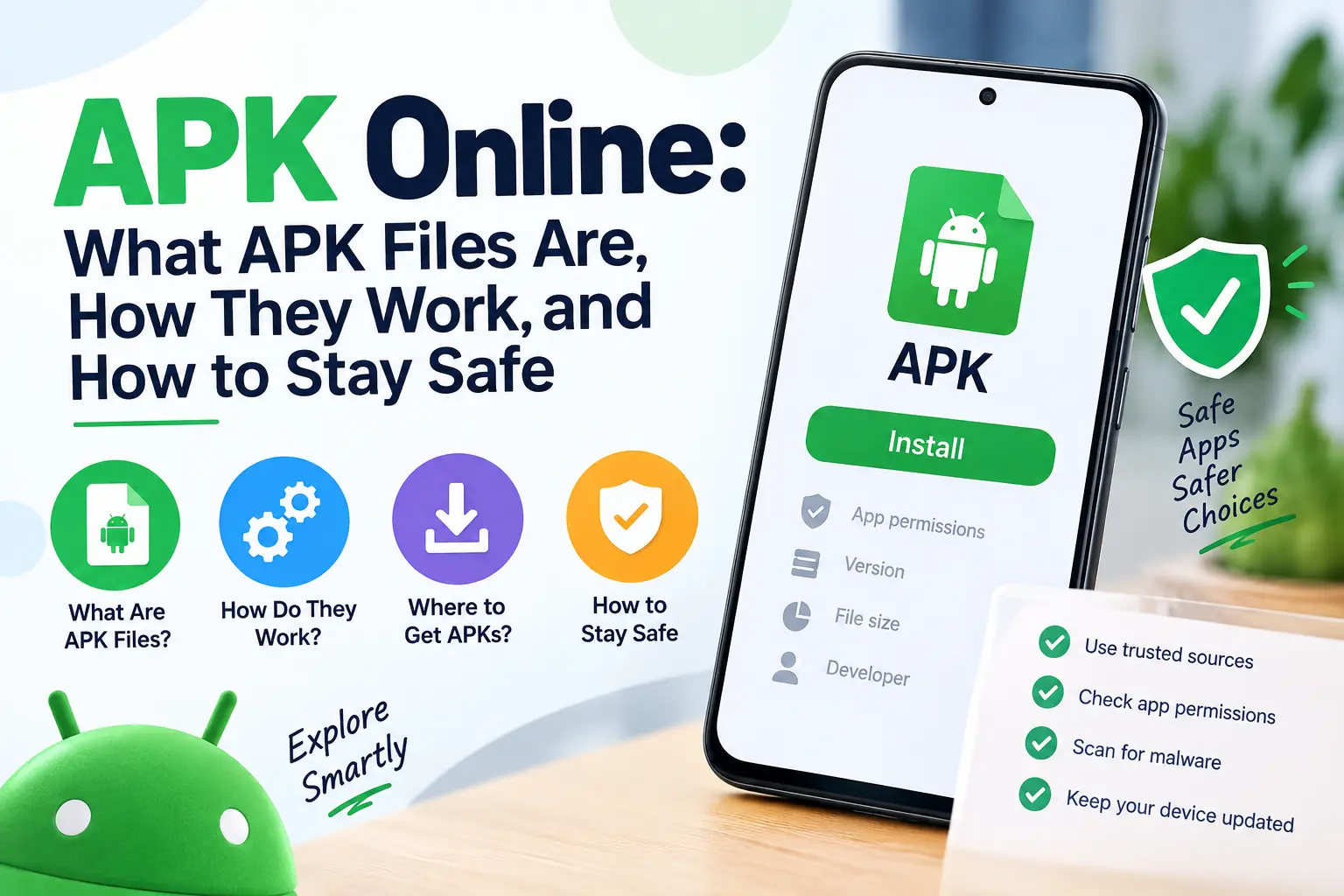
APK Online: What APK Files Are, How They Work, and How to Stay Safe
If you use an Android phone, you may have come across the term APK online while searching for mobile applications. APK is the file format used to package Android applications, and an APK can be distributed through channels other than the Google Play Store. For developers, APK files are an important part of Android app development and testing. For users, they can sometimes be encountered when an application is distributed directly by its developer or through another legitimate source.
However, downloading applications from outside Google Play requires more care. Google warns that apps from unknown sources can put a device and personal information at risk, while Google Play Protect checks applications for potentially harmful behaviour. A smartphone is considerably easier to carry around than a large collection of reference documents. This guide explains what APK files are, why people encounter them online, how they differ from normal app store installations, and what to consider before installing one.
What Is an APK?
APK stands for Android Package Kit. It is the package format used to distribute Android applications. An APK contains the files and information Android needs to install an application. Depending on the app, the package can include application code, resources, configuration information, assets, and other components. When you download an application through Google Play, you normally don’t need to deal with the APK file directly. Google Play handles application delivery and installation for you. If you want to explore a specific Android application package, you can also learn more about YouTube APK and how APK versions can be distributed for Android devices.
An APK becomes more visible when an application is distributed outside the standard Play Store experience. For example, a developer may provide an application directly for testing, enterprise distribution, or another legitimate distribution purpose.
What Does “APK Online” Mean?
The phrase APK online is not a special Android file format. It is usually a search term people use when looking for information about Android APK files or applications distributed online. Depending on the context, someone searching for APK online may be looking for:
- Information about APK files
- An Android application package
- A particular app’s Android version
- An app distributed by its developer
- APK installation information
- Older versions of an application
- Android app troubleshooting
- Information about APK security
Because the term is broad, users should first identify the application and its developer rather than assuming that any website offering an APK is trustworthy.
How Do APK Files Work?
An APK is essentially a packaged Android application. The package contains the components required by Android to install and run the application. Android also uses application signing to establish the identity of software and help manage application updates. From a user’s perspective, the process is straightforward:
Application → APK package → Android installation → Installed application
Developers have more complex workflows because they need to build, sign, and test application packages before distributing them. Modern Android development can also involve Android App Bundles (AABs). Google Play can use an app bundle to generate APKs suited to different device configurations. Android’s official bundletool documentation explains that an app bundle can be used to generate APK sets for testing and deployment. Keeping applications updated is important for compatibility and security, especially when different APK versions may be available. You can also explore our guide to JioSaavn MOD APK as an example of an Android application distributed in APK form. This is one reason the Android app distribution ecosystem is more complicated than simply downloading one universal file.
APK vs Google Play Store
An APK and a Google Play installation are not two different types of Android applications. They are different ways an application package can reach a device. When you install through Google Play, the store provides a managed distribution experience. Google also applies security measures around apps available through its platform. When an application is installed from another source, the user has greater responsibility for determining whether the application and its source are trustworthy. Google specifically recommends getting apps from Google Play and warns that apps downloaded from unknown sources can put a device and personal information at risk.
| Feature | Google Play | APK from another source |
| Installation | Managed by Play | User or another distribution system |
| Source | Google Play ecosystem | Depends on provider |
| Updates | Usually managed through Play | Depends on distribution method |
| Security checks | Play Protect and Play ecosystem | Source and device protections matter |
| User responsibility | Lower | Higher |
| Common use | Everyday apps | Testing, direct distribution and other cases |
An APK isn’t automatically dangerous simply because it is an APK. The major question is where it came from and whether it can be trusted.
Why Are APK Files Used?
APK files have several legitimate uses.
App Development
Developers need installable application packages while building and testing Android software.
Before an app reaches a public audience, developers may test different builds on physical devices or test environments.
Beta Testing
Developers may distribute test versions to selected users. This can help them identify bugs, compatibility problems, and usability issues before a wider release.
Enterprise Applications
Companies sometimes distribute internal Android applications to employees. An internal enterprise application may not be intended for the general public, so its distribution method can differ from a consumer app.
Direct Developer Distribution
Some developers may choose to distribute software directly through an official website or another legitimate channel. In this situation, users should verify that the source genuinely belongs to the developer.
Compatibility and Availability
There are cases where an application may not be available through a particular store or on a particular device. That doesn’t automatically make a third-party APK safe, however. Users still need to establish where the application came from and whether the developer supports that distribution method.
Are APK Files Safe?
An APK file can be legitimate, but not every APK available online is safe. The file extension itself doesn’t tell you whether an application is trustworthy. A malicious APK can potentially contain unwanted or harmful software. Google Play Protect therefore checks applications and devices for potentially harmful behaviour. Google says Play Protect can warn users, disable harmful applications, or remove them when necessary. The safest approach is to evaluate the complete picture:
- Who developed the app?
- Where did the APK come from?
- Is the source official?
- Does the application make sense for its stated purpose?
- Are its permissions reasonable?
- Is the file compatible with the device?
- Does Android or Play Protect display a warning?
If several answers are unclear, there is little reason to take the risk.
How to Check an APK Source
The source is one of the most important factors when evaluating an APK. A developer’s official website is generally more useful than an anonymous download page because you can establish who is responsible for the software. Before installing an APK, look for:
- The developer’s official identity
- An official website or recognised distribution channel
- Consistent application name and branding
- A clear data protection policy where appropriate
- Current support information
- Documentation describing the application
- A legitimate reason for distributing the APK
Be particularly cautious when a website makes unrealistic claims or attempts to pressure you into downloading a file immediately.
Check the Application Name and Developer
Fake applications can imitate popular software. A familiar name or logo doesn’t prove that the application is genuine. Check the developer name and compare it with information from the developer’s official website or other trustworthy sources. If the application claims to belong to a particular company but the package is being distributed by an unrelated party, stop and investigate before installing it. This simple check can prevent many avoidable problems.
Pay Attention to Permissions
Android applications can request access to different device features and information. Permissions can be legitimate when they are directly related to what an application does. However, permissions that appear unrelated to the app’s purpose deserve attention. For example, an application that performs a simple function shouldn’t automatically be assumed to need broad access to unrelated personal information.
Permissions can change between application versions, so users should review them rather than relying solely on an old description. Google Play Protect also provides privacy-related protections and can alert users about certain applications that may access personal information in ways that violate relevant policies.
What Is Google Play Protect?
Google Play Protect is Android’s built-in security system for checking applications and devices.
Google says it checks apps when they are installed and periodically scans devices for potentially harmful applications. It can also check applications obtained from sources outside Google Play. If Play Protect detects a potentially harmful application, it may:
- Disable the application
- Remove the application
- Block certain suspicious installations
- Provide privacy-related warnings
Google recommends keeping Play Protect enabled. This is particularly relevant when dealing with APKs obtained online.
Why Android May Warn About an APK
Android or Google Play Protect may display a warning when an application comes from an unfamiliar source or presents a potential security risk. A warning should not simply be dismissed without understanding what caused it. Google notes that Play Protect can block an unverified application that uses sensitive permissions associated with financial fraud risks. A security warning doesn’t necessarily mean you have to panic, but it does mean you should stop and verify the application’s origin and purpose.
APK Downloads and Personal Data
Installing an application allows it to request access to certain device features and information. That makes application security a privacy issue as well as a malware issue. An application with unnecessary access could potentially create privacy concerns, especially if it handles personal information.
Before installing an APK, consider whether you actually need the application and whether the permissions it requests are appropriate. The safest app is often the one you don’t install unnecessarily.
Official APK vs Unofficial APK
This distinction is important. An official APK is one distributed or authorised by the application developer or another legitimate organisation. An unofficial APK is distributed by someone else without clear evidence that they are authorised to provide it. The second category deserves significantly more scrutiny. A third party could potentially modify an application before redistributing it. Google also provides developers with automatic protection features designed to help prevent unauthorised modification and redistribution of apps. For users, the practical lesson is simple: prefer the original developer or an established distribution channel whenever possible.
Modified APKs and Why They Deserve Caution
A modified APK is an application package that has been changed from its original form. Some modifications may be created for legitimate testing or development. Others may alter an application’s behaviour in ways the original developer did not authorise. The problem for ordinary users is that it can be difficult to know exactly what has been changed. An unofficial modification can potentially introduce:
- Unwanted software
- Privacy risks
- Unstable behaviour
- Security vulnerabilities
- Unauthorised functionality
For everyday use, an original version from a legitimate source is the safer choice. Modified applications deserve extra attention because changes made by third parties can affect an app’s behaviour and security. You can read more about the risks and considerations surrounding a MOD APK before using one.
APKs and Older App Versions
Users sometimes search for an APK because they want an older version of an Android application. There can be legitimate reasons for needing an older release, such as compatibility with an older device or testing a previous version. However, old software can also contain vulnerabilities that have been fixed in later releases. If an older version is genuinely required, users should verify its provenance and understand that older software may have different security characteristics from the current version.
APKs and Android Compatibility
Not every APK works on every Android device. Compatibility can depend on:
- Android version
- Device architecture
- Required hardware features
- Application dependencies
- Screen or device configuration
- Developer-defined minimum requirements
This is another reason why downloading a random APK simply because its name matches the desired application can lead to installation problems. A legitimate source should provide enough information to identify supported devices and operating system requirements. Android compatibility can vary between devices, operating system versions, and processor architectures. Our guide to Samsung Galaxy A02s, Galaxy A52, and Galaxy M02s provides another example of Android devices with different hardware configurations.
Why an APK May Not Install
Several technical problems can prevent an APK from installing.
Incompatible Android Version
The application may require a newer Android version than the device supports.
Wrong Architecture
Android applications can be built for different processor architectures. A package intended for a different architecture may not work correctly.
Corrupted File
An incomplete or damaged download can prevent installation.
Conflicting Application
An existing version of the same application can sometimes cause installation or update conflicts.
Security Restrictions
Android may block an installation because of security protections or because the application presents a known risk.
Insufficient Storage
A device with very little free storage may have problems installing or updating applications.
The correct solution depends on the specific error. Security warnings should not simply be bypassed without checking their cause.
APK and App Updates
Updates are another area where official distribution has an advantage. Apps installed through Google Play can generally receive updates through the Play Store. With an independently distributed APK, the update process depends on the developer or distribution method. A user may need to obtain a newer version from the same legitimate source. Keeping software updated matters because newer releases can contain bug fixes, compatibility improvements, and security fixes.
What Are Android App Bundles?
Modern Android development increasingly uses Android App Bundles, which have the .aab file extension. An Android App Bundle is not simply another name for an APK. It is a publishing format from which the appropriate APKs can be generated for different device configurations.
Google’s Android documentation explains that bundletool can generate APK sets from an app bundle for testing and deployment. This distinction matters because users may encounter terms such as:
- APK
- AAB
- Split APK
- APK set
- Bundletool
They relate to Android’s application packaging and delivery system but are not interchangeable in every situation.
What Are Split APKs?
Some Android applications can be delivered as multiple APK components rather than one large universal package. This approach allows an application to provide different resources or components based on the device configuration. Android’s official documentation describes split APKs as part of app bundle-based delivery. For most everyday users, this happens behind the scenes through supported distribution systems. It becomes more relevant when developers are testing or manually managing application packages.
APK Online for Developers
The phrase APK online isn’t limited to ordinary users. Developers may search for information about APK distribution, APK signing, testing, and compatibility. A development workflow can involve:
- Writing application code
- Building the application
- Creating an installable package
- Signing the package
- Testing it
- Checking compatibility
- Distributing the application
Developers may also use Android Studio and official Android development tools to create and test applications. For production applications, secure signing and controlled distribution are important because application identity and integrity matter when software is updated and distributed.
APK Signing and Application Identity
Android applications use digital signing to establish application identity. This becomes particularly important when an application is updated. Android needs to determine whether a new package can legitimately update an existing installation. Developers therefore need to manage signing keys carefully. For users, this is another reason not to assume that two APK files with the same application name are equivalent. The name displayed on a website isn’t enough to establish authenticity.
APK Online and Security Best Practices
If you encounter an APK online, use a cautious approach.
Prefer Trusted Sources
Use Google Play when the application is available there, and the developer supports it.
If an APK is legitimately distributed outside Google Play, prefer the developer’s official distribution channel. Google itself recommends Google Play and warns about risks associated with unknown sources.
Keep Play Protect Enabled
Google recommends keeping Play Protect enabled. It checks applications during installation and periodically scans the device.
Keep Android Updated
Security updates help protect devices against known vulnerabilities. Google’s guidance for removing unsafe software also recommends checking Android and security updates.
Review Permissions
Don’t automatically grant every permission an application requests. Think about whether each permission makes sense for the app.
Avoid Suspicious Applications
If an APK source makes unrealistic promises, uses aggressive advertising, or cannot establish who developed the application, there is little reason to trust it.
Don’t Ignore Security Warnings
A warning from Android or Play Protect is useful information. Investigate it rather than treating it as an inconvenience.
How to Remove a Suspicious App
If you believe an installed application may be harmful, Android and Google provide tools to help identify and remove unsafe software. Google recommends turning on Play Protect and checking device and security updates. You can also review your installed applications and remove software that you don’t recognise or no longer need. If you notice unusual device behaviour after installing an application, such as unexpected pop-ups or suspicious activity, investigate the application rather than continuing to use it without checking.
What Makes a Good APK Website?
If you’re evaluating an online source that provides information about APKs, several qualities are worth looking for. A trustworthy resource should provide:
- Clear developer information
- Accurate application names
- Version information
- Compatibility information
- Security-conscious guidance
- Links or references to legitimate sources
- Clear privacy information
- Updated content
A site should not encourage users to ignore security warnings or install software without understanding its origin. For TheVedus, an APK-focused content hub should prioritise accurate app information and safe discovery rather than simply publishing large numbers of download pages.
APK Online: What Users Should Avoid
There are several warning signs that should make users reconsider an APK download. Avoid sources that:
- Hide the identity of the developer
- Claim every paid app is available for free
- Promote suspicious modifications
- Ask users to disable security protections without a legitimate reason
- Use misleading download buttons
- Redirect users through unrelated pages
- Provide outdated information without warning
- Make unsupported claims about an application’s safety
A professional APK resource should make security part of the user experience, not an afterthought.
Is APK Online the Same as an App Store?
No.
An APK is a file format, while an app store is a distribution platform. An app store can distribute applications using Android’s package and delivery systems, but users generally don’t need to manually handle the underlying APK. Think of it this way:
APK = application package
App store = distribution platform
This distinction makes many Android-related terms easier to understand.
Can iPhone Users Install APK Files?
No.
APK is the Android application package format. Apple’s iPhone and iPad use a different application ecosystem and package format. Therefore, an APK found online isn’t an iOS application. If an app is available for both Android and iPhone, the developer normally provides separate versions for each platform.
Are APK Files Always Free?
No.
The APK format doesn’t determine whether an application is free or paid. An APK can represent a free application, a paid application, a private enterprise application, or a test build. The important issue is whether the software is legitimately distributed and whether the user has the right to use it.
FAQs
What is an APK?
APK stands for Android Package Kit. It is the package format used to distribute and install Android applications.
What does APK online mean?
“APK online” is generally a search phrase used to find Android application packages, APK information, installation information, or related resources on the web.
Are APK files safe?
They can be, but safety depends on the application and its source. Google warns that applications from unknown sources can create security and privacy risks.
Is APK the same as an Android app?
Not exactly. An APK is the package containing an Android application and its required components. The installed app is the software that runs on the device.
Should I use Google Play or an APK?
For ordinary users, Google recommends getting applications from Google Play. If an app is legitimately distributed as an APK by its developer, verify the source before installing it.
What is Google Play Protect?
Google Play Protect is Android’s security system that checks applications and devices for potentially harmful software. It can warn about, disable, or remove harmful apps.
Can an APK contain malware?
Yes. An APK can contain malicious software if it has been created or modified for harmful purposes. This is why source verification and device security protections matter.
Why won’t an APK install?
Common reasons include incompatible Android versions, unsupported device architecture, corrupted files, application conflicts, insufficient storage, or security restrictions.
Can APKs update automatically?
It depends on how the application was distributed. Apps installed through Google Play can normally be updated through Play, while independently distributed APKs may use a different update process.
What is an AAB file?
AAB stands for Android App Bundle. It is a publishing format that can be used to generate APKs suited to different device configurations.
Are modified APKs safe?
You should treat modified APKs cautiously because changes made by third parties can introduce security, privacy, or stability risks.
Can I install APK files on an iPhone?
No. APK is an Android package format and isn’t used as the normal application format for iOS.
Final Thoughts
APK online is a broad term covering a large part of the Android application ecosystem. APK files are legitimate Android application packages and have important uses in development, testing, enterprise distribution, and direct software distribution. But an APK’s file extension does not guarantee that the application is trustworthy. For everyday users, the safest approach is to use Google Play when possible, verify the developer when an application is distributed elsewhere, keep Google Play Protect enabled, review permissions, and maintain current Android security updates. Google specifically recommends Google Play for obtaining apps and warns that unknown sources can put devices and personal information at risk.
For a website covering APK online, the strongest content strategy is not simply to list files. Useful APK content should explain what an application does, who developed it, which Android versions it supports, how it is distributed, what permissions it requests, and what users should know about security. For additional protection when dealing with apps from unknown sources, users can also learn more about Google Play Protect and how it helps identify potentially harmful applications. That approach gives readers more than a download page. It gives them the information they need to make an informed decision about Android applications. For a safe approach to a specific app’s APK, see our Vedu APK download guide.